
Shadow Soccer
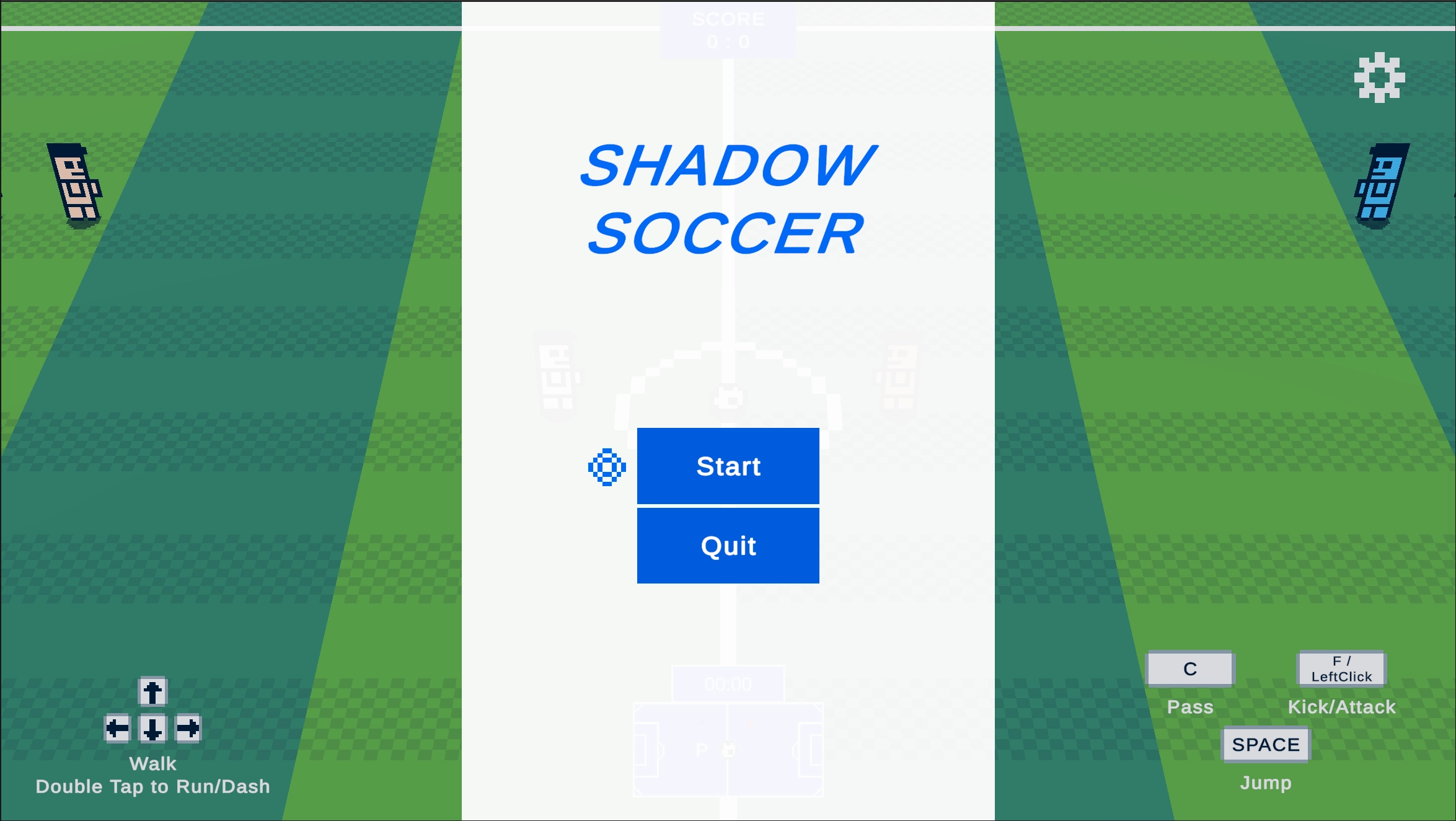
A ready to use template for a 2.5D Soccer game.
Features:
- Soccer game with 2D sprites in a 3D world
- Configurable half-time
- Clean pixel art animations for both characters and soccer ball
- Player can attack other players
- Player teammates and Enemy Players AI
- Goalkeeper AI
- Characters use special power when jumping and kicking ball
- Full source code
- UI with scoreboard and timer
- Minimap showing player and ball locations
- Settings menu with settings for Video and Audio
- Uses new InputSystem
- Touch controls for mobile
- Gamepad supported
- SFX included for various actions
- Tested on WebGL, Windows and Android
- Built-In and URP render pipelines supported
Prerequisites:
1. Go to Window > TextMeshPro > Import TMP Essential Resources (This step is essential to show the UI Text Elements which use the TextMeshPro package.)
Steps to build the game
1 .Switch to your target platform.
2. Enter the Company Name, Product Name and version in Player Settings.
3. Add your Logo Image in Player Settings.
4. Modify the Game Title in “Main” Scene under Canvas > Panel_MainMenu > Text (TMP)_Title
5. Build your game.
Steps to customize:
SFX:
Set up the SFX in the following prefabs: (Shadow Soccer/Prefabs)
- GameControl (GameControl script) for powerkick and goal sfx
- Character_Enemy (NPC script) for jump, kick, attack, walk, run, catch ball sfx etc.
- Character_Enemy_Goalkeeper (NPC script) for jump, kick, attack, walk, run, catch ball sfx etc.
- Character_Goalkeeper (NPC script) for jump, kick, attack, walk, run, catch ball sfx etc.
- Character_Teammate (NPC script) for jump, kick, attack, walk, run, catch ball sfx etc.
- Character_Player (Player script) for jump, kick, attack, walk, run sfx etc.
Music:
You will just need to replace the AudioClip in the AudioSource Component in GameControl prefab under the child AudioHelper with your own music clip.
Sprites:
You can find all the sprites in the Shadow Soccer/Sprites folder. You can either use them as provided or modify them with your own character or football sprites. You will also need to create the animations from the sprites and replace the current animations in the Animations folder.
Inputs:
You can find the current inputs in the Input folder named “Main Controls.inputactions” which you can customize.
Render Pipeline:
Create your own URP render pipeline asset and assign it in Graphics settings or use the one provided in Shadow Soccer/URP Settings